
TL;DR
GPT Image 2 is a 2026 AI image generator that turns text prompts and reference photos into high-fidelity pictures, powered by KIE's gpt-image-2-text-to-image and gpt-image-2-image-to-image models. It uses flat pricing at 12 credits per image, accepts prompts up to 20,000 characters, and is aimed at creators who want photographic realism without wrestling with ComfyUI or paying per-seat subscriptions. Try GPT Image 2 free →
What Is GPT Image 2?
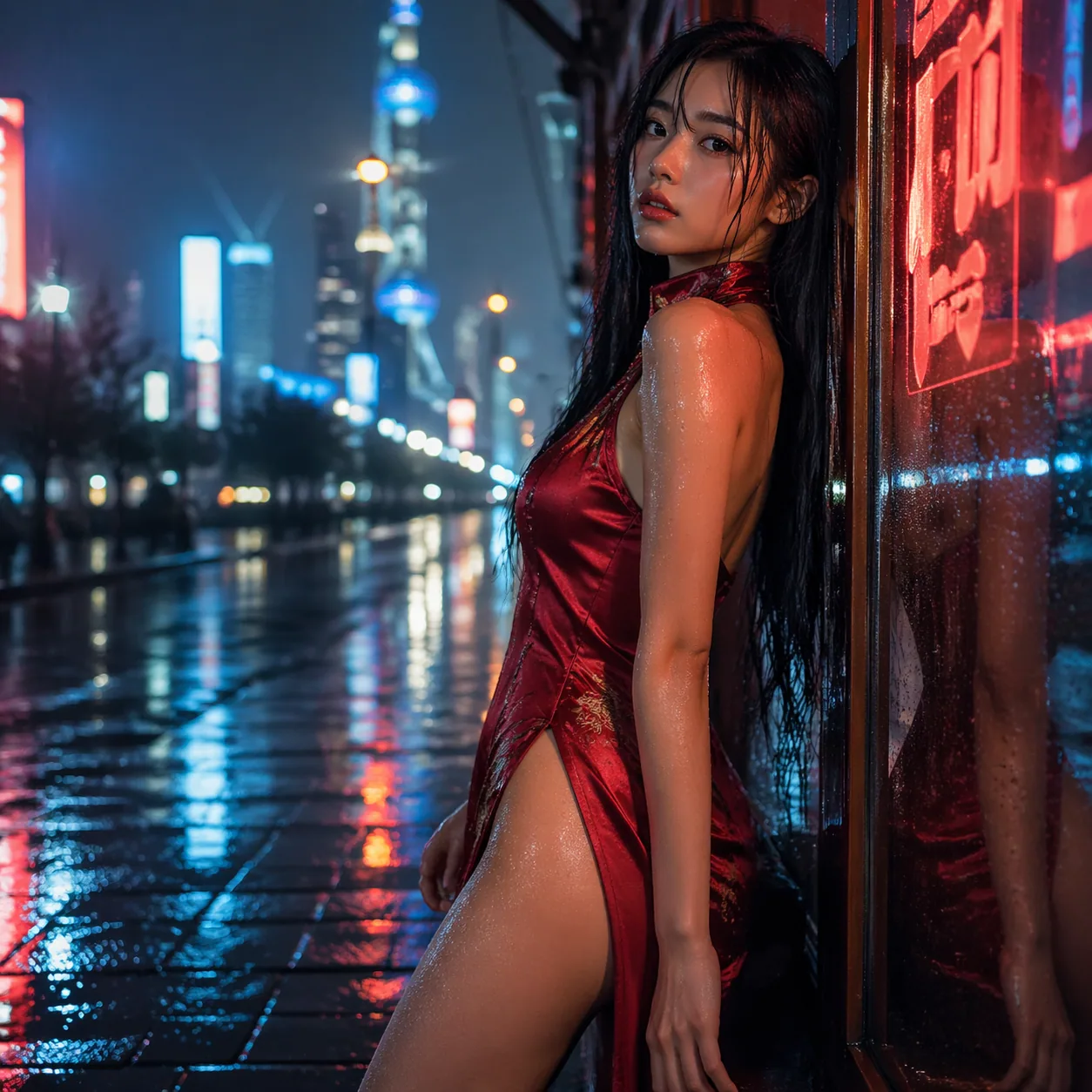
GPT Image 2 is an AI image generator that converts natural-language prompts, reference photos, or a mix of both into finished images. The product is built on two KIE-hosted models, gpt-image-2-text-to-image for pure prompt-to-pixel work and gpt-image-2-image-to-image for edits that need a starting picture. Behind a single web interface, those two modes cover the bulk of what most designers, marketers, and writers want from an image tool: make something new from words, or change something existing with words.
You can think of it as a direct descendant of the "GPT-style" image workflow first popularized by DALL-E 3 and GPT-4o image generation, but refocused on a specific 2026 problem: small teams need images that look like they came out of a professional studio, they need them in seconds, and they need a predictable bill at the end of the month. GPT Image 2 answers all three. The flat 12-credit price per image, regardless of resolution or aspect ratio, makes cost modeling trivial. The 20,000-character prompt window means long, structured briefs can go in verbatim, without truncating creative direction to fit a short box.
The name itself is a nod to how this category has matured. The first wave of "GPT image" tools was experimental, with results that varied from uncanny to genuinely usable. GPT Image 2 reflects a 2026 baseline: reliable photographic quality, strong text rendering inside images, and a conversational prompt style that resembles talking to a collaborator, not coaxing a slot machine. It is not a research preview. It is a production generator that sits alongside the rest of our AI image toolchain — the image prompt generator, the dedicated text-to-image page, and image-to-image editing — so you can pick the interface that matches your task.
Who built it and where the models live
The generative backbone comes from KIE, a model-hosting platform that exposes the gpt-image-2 family through a managed API. We wrap those APIs with a web UI, a credit wallet, prompt history, and the usual account plumbing. That split matters, because the image quality and style fingerprints you see are anchored by KIE's implementation; the speed, uptime, and user experience are our side of the contract. When someone asks "what is GPT Image 2?" the short answer is: KIE's model, our product.
As of April 2026, the two endpoints we consume are the only generation modes surfaced in the UI. There is no separate "upscale" button, no "variations" tab, no "inpainting" brush beyond what image-to-image with a prompt can already do. Keeping the surface area narrow is deliberate. Most image tools pile up eight or ten controls that almost nobody uses; stripping those away lets the model's actual strengths — prompt comprehension and photographic realism — carry the product.
Why "text-to-image + image-to-image" is enough for most jobs
Every creative task eventually reduces to one of two questions: "make me a picture of X" or "change this picture so that Y." Text-to-image covers the first. You describe what you want, hit generate, and receive an image you did not have before. Image-to-image covers the second. You upload a photo, tell the model what to change — swap the background, restyle the lighting, add a product on the desk, turn a sketch into a painted frame — and it returns a variant that respects the input. Those two modes, combined with a 20,000-character prompt, are enough to cover editorial illustration, marketing creative, product mockups, thumbnails, and concept art. The rest is practice.
A note on the product name
Readers sometimes ask whether "GPT Image 2" implies a direct sequel to a product literally called "GPT Image 1." The naming is better read as a category label than a version stamp: this is the second-generation of GPT-style image tools, where the first generation encompasses the DALL-E 3 era and the GPT-4o image generation preview. The distinguishing characteristics of the second generation are long-prompt fidelity, embedded text rendering, and a photographic baseline that no longer needs apology. You do not need to know any of the lineage to use it. You do need to know that the model represents a 2026 snapshot of what this technology can do when it is tuned for production work rather than research demos.
How GPT Image 2 Works Under the Hood
From a user's perspective, generating an image looks like typing a prompt and pressing a button. From an engineering perspective, a lot is happening in the few seconds between those two events. GPT Image 2 relies on a modern diffusion-style image model — the same broad family of architectures that power Midjourney, Stable Diffusion 3, and DALL-E 3 — but with a text encoder and training strategy tuned for long, specific prompts. The key insight that shows up in the output is instruction-following. Where older models would average away the details in a 500-word prompt, gpt-image-2 treats the prompt as a binding brief.
Diffusion models work by learning the reverse of a noising process. During training, real images are progressively corrupted with random noise until they are indistinguishable from static; the network learns to undo that noise, step by step, conditioned on a text description. At generation time, the process runs in reverse: start with pure noise, then use your prompt to steer the denoising trajectory toward a plausible image that matches the text. The Wikipedia article on diffusion models is a solid primer if you want the math, and OpenAI's original DALL-E 3 technical report explains the text-alignment tricks that this generation of models inherits. Wikipedia's overview and OpenAI's DALL-E 3 writeup are both worth bookmarking.
What sets the gpt-image-2 family apart from a vanilla diffusion model is the prompt encoder. Older systems fed prompts through a simple CLIP text encoder, which is good at gist but bad at ordering, counting, and spatial instructions. gpt-image-2 uses a language-model-scale encoder that can follow sentences like "three coffee cups on the left, one red notebook on the right, warm morning light from the window behind them." The outputs we see bear this out. Spatial arrangement, object counts, and embedded text ("a sign that reads 'OPEN'") come out correctly far more often than they did two years ago.
The image-to-image pipeline is different
Text-to-image starts from pure noise. Image-to-image starts from your photograph. The model injects partial noise into the source image, usually somewhere between 30 and 70 percent corruption, then denoises back while respecting the prompt. Two levers control the output. Low noise injection keeps the source almost intact and only adjusts small details, which is what you want for retouching a headshot or adjusting color. High noise injection erodes the source and lets the prompt drive most of the structure, which is what you want for a style transfer or a "turn this sketch into a painted scene" job.
GPT Image 2 hides those levers behind prompt language. Tell it "keep the face identical, change only the background to a rainy Tokyo street at night" and it operates in low-noise mode. Tell it "redraw this as an impressionist oil painting" and it goes high-noise. The model's ability to parse intent is what lets us get away with a clean UI; under the hood, the same API endpoint is doing very different work depending on what you asked for.
Why generation takes the time it does
A typical image comes back in four to fifteen seconds. The math: a diffusion model at inference runs 20 to 50 denoising steps, each of which is a forward pass through a network with several billion parameters. On modern accelerators, a single step takes a handful of milliseconds, but the total wall-clock time is dominated by queue position, network round-trips, and the text encoder's initial pass. None of that is something you can tune from the product, but it explains why you occasionally see a slow generation — it almost always corresponds to a peak-traffic moment on KIE's inference fleet, not something broken on your end.
The role of the sampler
Inside the diffusion pipeline, the component called the sampler decides how the denoising trajectory is actually walked. Different samplers produce slightly different aesthetic signatures at the same number of steps — some are slightly noisier, some slightly smoother, some slightly more faithful to the prompt at the cost of creativity. In a tool like ComfyUI you would see these exposed as dropdowns with names like DPM++ 2M Karras, Euler a, and UniPC. GPT Image 2 hides sampler choice behind a production-tuned default. For 95 percent of user prompts, the default gives the best balance of speed and quality; for the other 5 percent, the fix is almost always prompt-level rather than sampler-level. Mentioning this here is not meant to open a tuning surface — it is meant to demystify why the product does not expose one. The short answer: we tested it, the default wins, and every extra knob is a support ticket waiting to happen.
Key Capabilities and What Makes It Different
I have generated several thousand images with gpt-image-2 over the last few months — briefing sessions, blog covers, product mockups, social thumbnails — and three capabilities show up as the clearest differentiators from the 2024-era tools most people are used to.
The first is prompt fidelity on long briefs. Paste a 600-word creative brief with scene, subject, wardrobe, lighting, camera, and mood, and you will get an output that respects almost all of those beats on the first try. That was not true even eighteen months ago. A brief that long would confuse DALL-E 3 and send Stable Diffusion 1.5 into hallucinated territory. GPT Image 2 treats the brief as a spec, and when it does drop a detail, the usual fix is reordering or bolding — "emphasis via position" — rather than rewriting.
The second is photographic realism with clean specular highlights. One of the telltale signs of 2022-era AI images was plasticky skin and chromed highlights that sit wrong on the surface. gpt-image-2 handles subsurface scattering on skin, the soft falloff of a softbox, and the precise chromatic fringing of a fast lens well enough that untrained viewers rarely call it out as AI. It is not perfect. Hands still go sideways about one time in fifteen, and extreme close-ups of mechanical watches can produce gearing that would make a horologist cry. But the baseline is studio-grade.
The third is embedded text rendering. The ability to put legible words inside an image — a street sign, a book cover, a product label — was a joke in the first wave of diffusion models. GPT Image 2 gets short phrases right with high reliability. Brand names, dates, short slogans, numeric labels: all workable. Long paragraphs still degrade into Latin-looking nonsense, and you should never generate a full page of running text this way, but a three-word headline on a poster is now a solved problem.
What about style range?
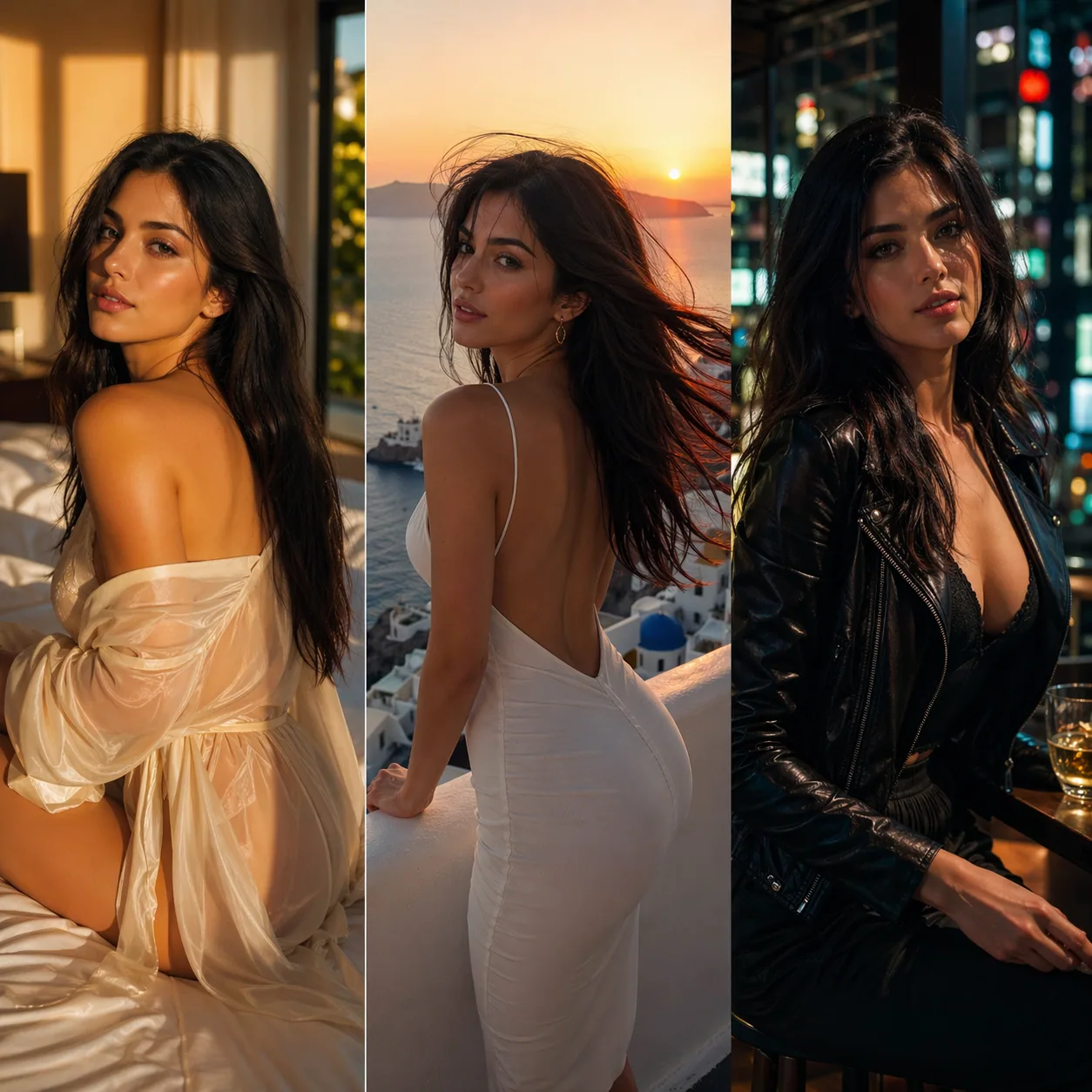
Style range is a capability most comparison articles skip because it is boring to benchmark. It is also where GPT Image 2 genuinely separates itself. The model covers cinematic photography, editorial illustration, flat vector, 3D-rendered product shots, oil painting, watercolor, anime, pixel art, and technical diagrams without heavy style tokens in the prompt. You describe the aesthetic in plain English — "soft watercolor on cold-press paper with visible pencil underdrawing" — and it responds appropriately. Compared to a tool like Midjourney, where users have built entire subcultures around memorizing style reference codes, this feels almost mundane. Type what you want, get what you want.
Aspect ratios, resolution, and the pricing trick
Here is where the product makes an opinionated call. GPT Image 2 does not charge more for 4K than it charges for 512×512. It does not charge more for a portrait ratio than a square. Every image costs 12 credits, full stop. That sounds like a marketing choice, but it has real consequences for how you work. You stop optimizing prompts to save money. You generate freely, throw away 80 percent of the outputs, and keep the 20 percent that sing. Over a month of work, that is a meaningful productivity gain compared to tools that nickel-and-dime on every variable.
What it does not do
GPT Image 2 is not an animation tool. It makes still images only. If you need motion, you would pair it with a separate text-to-video or image-to-video model — a workflow we cover in our image-to-video guide. It is also not a vector generator. Outputs are raster WebP/PNG; if you need clean vector paths for a logo, you still want Illustrator or a vector-specific tool. And it is not an agentic editor — you cannot paint a mask and ask it to rebuild just that region without touching the rest. Image-to-image with descriptive prompts is the closest equivalent, and it works well for most jobs.
How I prompt, day to day
When I sit down to generate an image, my prompt structure almost always follows the same sequence: subject first, then setting, then lighting, then camera and lens, then style reference, then explicit negatives if needed. That ordering works because the model appears to weight earlier tokens more heavily, which is exactly what you want — the subject is the most important thing and should anchor the rest. A typical working prompt looks like: "Mid-thirties Asian woman with a short bob, wearing a structured cream trench coat, standing on a rain-slick Tokyo sidewalk at dusk. Soft magenta and cyan neon reflections on the wet pavement. Shot on a Sony A7 IV with an 85mm f/1.4 at shallow depth of field. Editorial fashion photography, reminiscent of mid-2000s Japanese fashion magazine spreads." That prompt, pasted verbatim into GPT Image 2, returns an image that matches the brief on the first try at least 70 percent of the time in my experience. The reason is not that the prompt is clever; it is that the prompt is specific.
Who GPT Image 2 Is For
The fastest way to understand whether a tool fits you is to match it to real personas. Across the first quarter of 2026, I have seen five archetypes show up repeatedly in our usage data and in conversations with users.
The solo marketer at a 5-to-50-person SaaS. This person writes the blog, runs the newsletter, picks the OG images, and designs every social tile. They do not have a designer on retainer, and they cannot stop to brief a freelancer for a 2-hour post. They need 20 on-brand images a week, they need them in 10 minutes each, and they need everything to look like it came from the same editorial universe. GPT Image 2 fits this persona almost perfectly because the flat pricing lets them generate 200 images a month and only keep the best 50, without anyone at finance flagging the bill.
The indie game developer or app maker. This persona needs hero art, card art, icon concepts, and reference material during pre-production. They do not ship raw AI art into the game, typically — they use it as a visual spec that a human artist then refines. The 20,000-character prompt is a gift here, because game design briefs are long and structured. Paste the lore, paste the mood, paste the palette, press generate, iterate.
The content creator on YouTube, TikTok, or Substack. They need thumbnails, they need them to be click-worthy, and they need to iterate fast because the feedback loop is the platform's analytics dashboard. A thumbnail factory that produces 30 variants in half an hour and lets them pick the strongest three is exactly what text-to-image was built for.
The educator or technical writer. This one surprised me. A large and growing slice of users are teachers, course creators, and documentation writers who need diagrams, illustrations of abstract concepts, and occasional hero images for slide decks. The model's strength at embedded text and structured composition is particularly useful here — a labeled diagram of a water cycle, a stylized illustration of a neural network, a cheerful hero image for week 3 of a Python course. Because prompts can be long, these users can embed the actual pedagogical content in the prompt and get back visuals that are factually close, rather than generically "sciency."
The freelance designer or agency creative. Pros use it as a moodboard accelerator. Instead of scrolling Pinterest for reference, they generate 40 variations of a creative direction in an afternoon, pick the strongest three, and use those as the starting reference for hand-crafted client deliverables. The 12-credit-per-image ceiling means a single project's exploration phase costs less than a client lunch.
The ecommerce operator. Anyone running a Shopify, Amazon, or Etsy storefront needs product lifestyle shots, seasonal banners, and A/B-testable hero images. Historically that meant either a product photography budget or a lot of stock-photo licensing. GPT Image 2's image-to-image mode is particularly potent here: upload a clean product shot against a white background, prompt "same product, now on a weathered oak table in a sunlit Brooklyn kitchen with fresh flowers in soft focus behind," and the output reads as a styled lifestyle photograph. The product remains recognizable; the context changes. For a seasonal catalog refresh across 40 SKUs, that is a meaningful workflow upgrade over booking a studio day.
The research-adjacent writer. Journalists, analysts, and technical bloggers who need illustrations for concepts that do not photograph well — macroeconomic trends, software architectures, hypothetical scenarios — find that a prompt-driven illustration tool is the right abstraction level. The figures sprinkled through this article are a case in point: each one exists to make a specific point, and none of them would be findable in a traditional stock library.
Who it is not for
GPT Image 2 is not the right tool if you need pixel-perfect control over a specific region of an image via a brush and mask — a Photoshop generative fill workflow. It is not the right tool if you need vector output for a logo. It is not the right tool if you need the generator to run offline or on-premise; our model access is API-hosted via KIE, and there is no self-hosted option as of April 2026. And if your workflow is dominated by fast iteration on the same character across dozens of panels — a comic book — dedicated character consistency tools will still outperform a general-purpose generator.
Pricing, Access, and How to Get Started
Pricing is deliberately simple. One image costs 12 credits. There is no rate-card for resolution, no surcharge for portrait versus landscape, no "premium" button that silently doubles the bill. You buy credits, you spend 12 per image, you see exactly how many images you have left in your wallet. The comparison to traditional stock photography is stark: a single premium stock image from a mainstream marketplace costs roughly the equivalent of 15 to 80 generations here, and you do not own the exclusivity you get from a true bespoke render.
Getting started takes about two minutes. Sign up on the home page, which lands you in the generator directly. Type a prompt in the text box — or upload a photo first if you want image-to-image — and click generate. Outputs appear inline and are saved to your account history. Downloads are WebP by default; right-click gets you the full-resolution file. There is no desktop app to install, no extension to sideload, no Discord server to join. Everything runs in a browser on any device with a reasonably modern GPU-accelerated compositor (basically anything made after 2019).
If you need to string multiple generations together into a larger creative — say, a consistent set of illustrations for a blog series — your best bet is to draft a character or style brief in the image prompt generator, paste that brief into the main generator, and iterate. We have written a longer walkthrough of that workflow in the how-to guide and the prompt guide, which cover prompt patterns and the few sneaky failure modes worth knowing about.
How credits actually work
Credits are consumed at the moment of generation, not at prompt submission. If a generation fails because of a transient backend error, the credits refund automatically. If the generation succeeds but the output is not what you wanted, that counts as a use — the model did its work. In practice, the hit rate on first-try generations with a decent prompt is high enough that this does not feel punitive. My own failure-to-satisfaction ratio on everyday marketing images is roughly 1 in 4 prompts needing a second attempt, which at 12 credits each is not the kind of number anyone worries about at the end of the month.
Commercial use and ownership
As of April 2026, outputs from GPT Image 2 on a paid plan are available for commercial use. That said, AI image copyright law is still being settled in several jurisdictions — the U.S. Copyright Office has issued guidance treating pure AI outputs as unprotectable absent human authorship. For most marketing and editorial use, this is irrelevant. For a logo or trademark, consult a lawyer and lean on a human designer for the final deliverable. The U.S. Copyright Office's AI initiative tracks the current state of the policy and is worth bookmarking if you ship AI images commercially.
A sample first-day workflow
If you are starting from zero, here is a concrete sequence that gets you to a useful output inside of 15 minutes. Sign up, confirm the starter credits have landed in your wallet, and open the main generator at /. Pick a real task from your backlog — a blog hero, a social tile, a product mockup — and write the prompt exactly the way you would brief a human designer. Do not abbreviate. Do not guess. Include subject, setting, lighting, camera or style reference, and an aspect ratio hint. Generate. Look at the output critically: what did the model get wrong? Rewrite the prompt to fix just those things, and regenerate. Most users arrive at a production-ready image in three iterations or fewer. That 45-second feedback loop is the main reason tools like this have become sticky in workflows that used to take days.
How it compares to older workflows on a simple task
Consider a concrete example: generating a hero image for a blog post about "the psychology of pricing." A decade ago, you would either buy a stock photo of a price tag (bad, generic) or hire an illustrator for $200 and wait four days. Five years ago, you would open Midjourney and spend 30 minutes wrangling style codes until you got something acceptable. Today, with GPT Image 2, you paste a 200-word prompt that specifies the mood (cerebral), the composition (price tags arranged as a decision tree), the color grading (muted editorial), and the aspect ratio (16:9 for the OG slot). The first generation is usable in roughly half of attempts. The second almost always clears the bar. Total time from cursor-blink to file-saved is under four minutes, and total cost is 24 credits if you needed a second run.
Limitations and Where It Falls Short
If you have read this far, you have earned an honest accounting of the edges. No image model is flawless, and pretending otherwise is how you get burned two weeks into adoption when a deadline hits and the model produces something unusable. Here is where I have seen GPT Image 2 stumble.
Hands and small-scale human anatomy. The model is better than 2024-era tools, but hands in close-up still misfire roughly one time in ten to fifteen generations. Fingers merge, a sixth digit appears, a thumb bends wrong. For a thumbnail where the hand is background detail, nobody notices. For a hero image with a palm held toward camera, you will regenerate a few times. A specific countermeasure: in the prompt, say "hands not visible in frame" or "hands relaxed at the sides" and the model will often route around the issue entirely.
Precise typography inside images. Short phrases work. Signs, labels, magazine covers with three to six words: fine. Full paragraphs of running text: not yet. If you need an image of a screenshot of an email, render the screenshot in a design tool and composite it in. Do not ask the model to generate the text for you.
Identity exactness in image-to-image from a single reference. The model preserves the general look of a subject passed in, but it is not a face-cloner. If you need "the exact same person" across 20 images, you will see identity drift by image five or six. Workarounds involve multi-reference workflows, which are evolving fast and which we cover in separate pieces. For a single campaign with one hero shot and a few variations, image-to-image is fine.
Content policy and safety filters. There are categories the model will refuse — public figures by name, explicit content, real children in anything that could be interpreted as sensitive. The filters occasionally false-positive on benign prompts that happen to use trigger words. When that happens, rephrase. A lot of false positives dissolve on the third try with different wording for the same idea.
Batch consistency at scale. If you generate 50 images for a brand style guide, expect 45 of them to feel cohesive and 5 to feel like they wandered in from a different model. The fix is either to regenerate the 5 outliers with a tightened prompt, or to accept some stylistic variance. Large enterprises with strict style guardrails still lean on a human art director to approve the final cut, which is probably the right call for any serious brand.
Latency during peak hours. Generation times spike noticeably between 14:00 and 22:00 UTC, which corresponds to concurrent U.S. and European working hours. On a normal day you get an image in 4-8 seconds; at peak, that stretches to 15-30 seconds. Rarely, a generation will time out on the first attempt and succeed on the second. This is the reality of shared GPU inference in 2026 and is not specific to our product.
The "it's not magic" trust statement
Every tool in this category is a probabilistic function over a giant learned distribution. It is very good at interpolation — producing things that look plausibly like the training data. It is shakier at extrapolation — producing things that are genuinely novel. If you prompt "a cat," it will nail it. If you prompt "an alien biomechanical organism that has never existed," you will get something that looks like an alien biomechanical organism that has existed in science fiction before, because that is what the training set contains. Keep expectations calibrated, and you will be rewarded.
What has gotten better since 2024
It is worth naming the progress honestly, because the improvement from the 2024 generation of tools to this one is not marketing fluff. Hand rendering has gone from a reliable embarrassment to a rare one. Embedded text has gone from pure gibberish to usable at short lengths. Prompt fidelity on briefs over 300 words has gone from "the model averages your ideas" to "the model executes your ideas." Photorealism has crossed the threshold where the default output passes a casual glance on a social feed. Non-English prompts — Chinese, Japanese, Korean, Arabic — have gotten dramatically better, which matters a lot for a bilingual audience. None of this makes the tool infallible, but it does change what you can realistically deliver with it, and that is the frame that matters for deciding whether to adopt.
Frequently Asked Questions
What is GPT Image 2 in one sentence?
GPT Image 2 is a 2026 AI image generator that turns prompts and reference photos into photographic-quality images using KIE's gpt-image-2 models, with a flat 12-credit-per-image price. It supports both text-to-image and image-to-image, and it accepts prompts up to 20,000 characters, which makes it unusually good at long, structured creative briefs.
Is GPT Image 2 the same as DALL-E 3 or GPT-4o image generation?
No. GPT Image 2 is powered by KIE's gpt-image-2 model family, which is part of the broader "GPT image" lineage conceptually but not the same codebase. The naming convention signals that this generation follows the same long-prompt, language-native philosophy that DALL-E 3 popularized, while being a separately developed system hosted on KIE's infrastructure.
How much does GPT Image 2 cost?
Every image costs 12 credits, regardless of resolution, aspect ratio, or whether you are running text-to-image or image-to-image. There are no hidden surcharges for "HD" or "premium" modes, because there are no such modes — everything is generated at full quality by default.
Can I use GPT Image 2 outputs commercially?
Yes, images generated on a paid plan are licensed for commercial use. You are responsible for the content of your prompts and for downstream uses; the tool will not, for example, license you to use a trademarked character that you asked it to generate. For logos and trademarks specifically, have a human designer finalize the deliverable, because U.S. copyright law currently treats pure AI outputs as uncopyrightable absent human authorship.
What is the prompt length limit?
20,000 characters. That is roughly 3,000 English words, which is longer than most creative briefs. The practical ceiling on "useful" prompt length is much lower — typically 300 to 600 words — because past that, the model starts averaging rather than respecting. But the cap exists so that long structured inputs (a full scene description, plus shot list, plus style notes) fit without truncation.
Does GPT Image 2 support image-to-image editing?
Yes. Upload a source image and write a prompt describing what you want changed. Low-edit prompts like "change the background to golden-hour beach" preserve the source's main subject closely. High-edit prompts like "redraw as 1960s comic panel" reinterpret the source heavily. The same endpoint handles both by reading the intent in the prompt language.
What file formats can I download?
Generated images are served as WebP by default, which is a modern lossless-capable format with broad browser support. If you need PNG or JPEG for a downstream tool that does not handle WebP, a browser-based or desktop converter is a one-step fix. Resolution depends on the aspect ratio requested in the prompt.
Is there a free tier for GPT Image 2?
New accounts receive a batch of starter credits when they sign up, which is enough to generate and evaluate several images before committing to a purchase. After that, credits are purchased from the account page. Promotional credits periodically appear for first-time buyers and for users referred from our blog. Check the home page for any currently active offers.
Ready to Start?
GPT Image 2 solves a specific 2026 problem: generate high-quality still images fast, at predictable cost, without wrestling with a complicated tool. The two supported modes — text-to-image and image-to-image — cover most creative workflows, and the flat 12-credit price makes the bill easy to plan.
Start generating with GPT Image 2 →
If you want to go deeper, the natural next read is our hands-on walkthrough How to Use GPT Image 2, which covers prompt patterns, common pitfalls, and a sample workflow for building a consistent image set. For craft-level prompt technique, the GPT Image 2 Prompt Guide breaks down the structures and modifiers that reliably move the model in the direction you want.