
 GPT Image 2
GPT IMAGE 2 Image to Image Generator
GPT Image 2 image to image is an AI image editor that restyles and redesigns any photo from a text prompt. Restyle photos, apply new styles to images, remix designs, and refine AI images with a single prompt to image run.
AI Image to Image Generator · GPT IMAGE 2
Generate images with AI models, support text-to-image and image-to-image.
How to Restyle Photos with AI Image to Image in 3 Steps
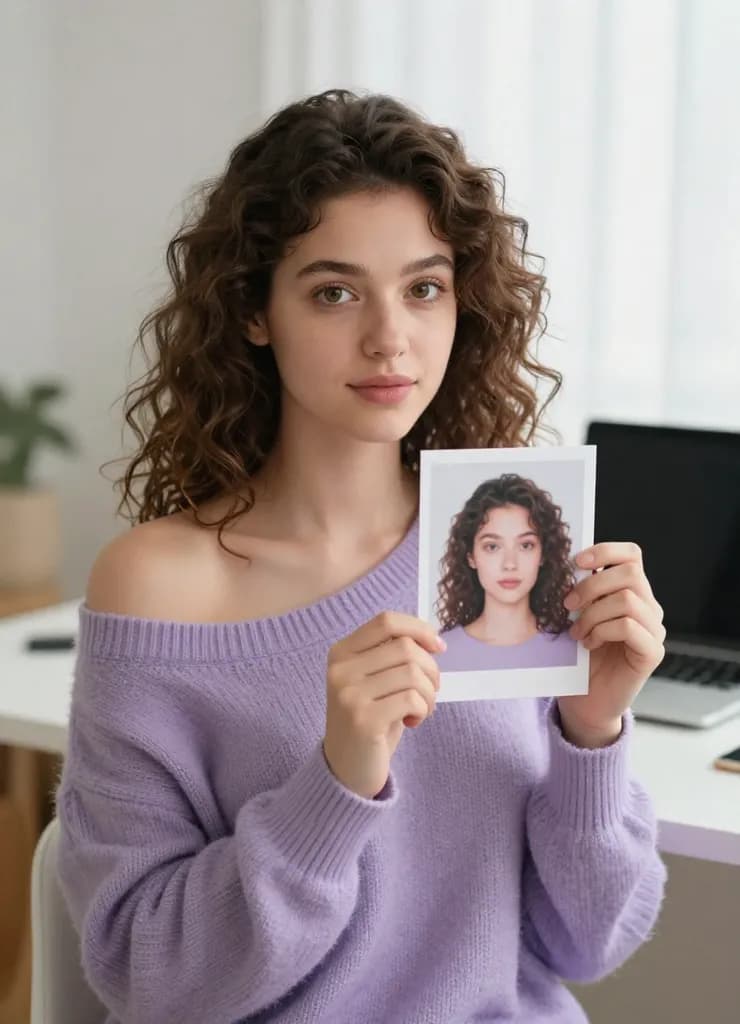
Upload Your Image
Upload any photo: portraits, landscapes, product shots, screenshots, or rough AI images. The image to image generator reads the source, keeps the composition in mind, and prepares it for a prompt-driven transform.
GPT IMAGE 2 Image to Image: Restyle, Remix, Redesign
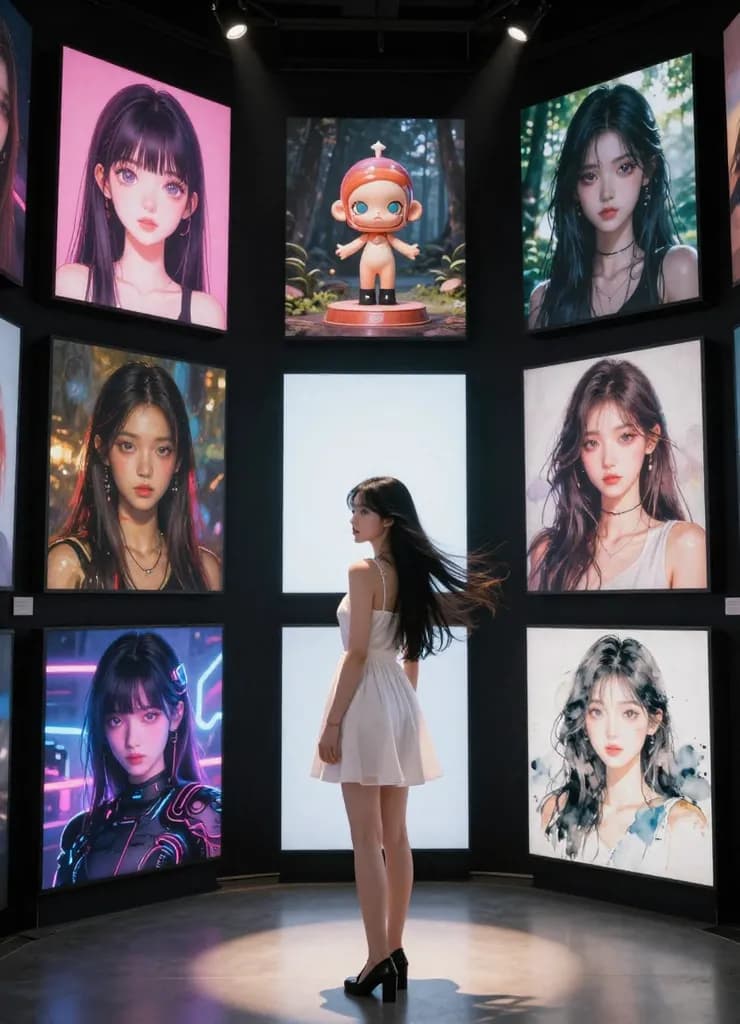
Any Visual Transform
Anime style transfer, 3D figurine conversion, double exposure art, oil painting and watercolor effects, cyberpunk repaint. Describe the image transform in plain language and the image to image AI turns your photo into something new.
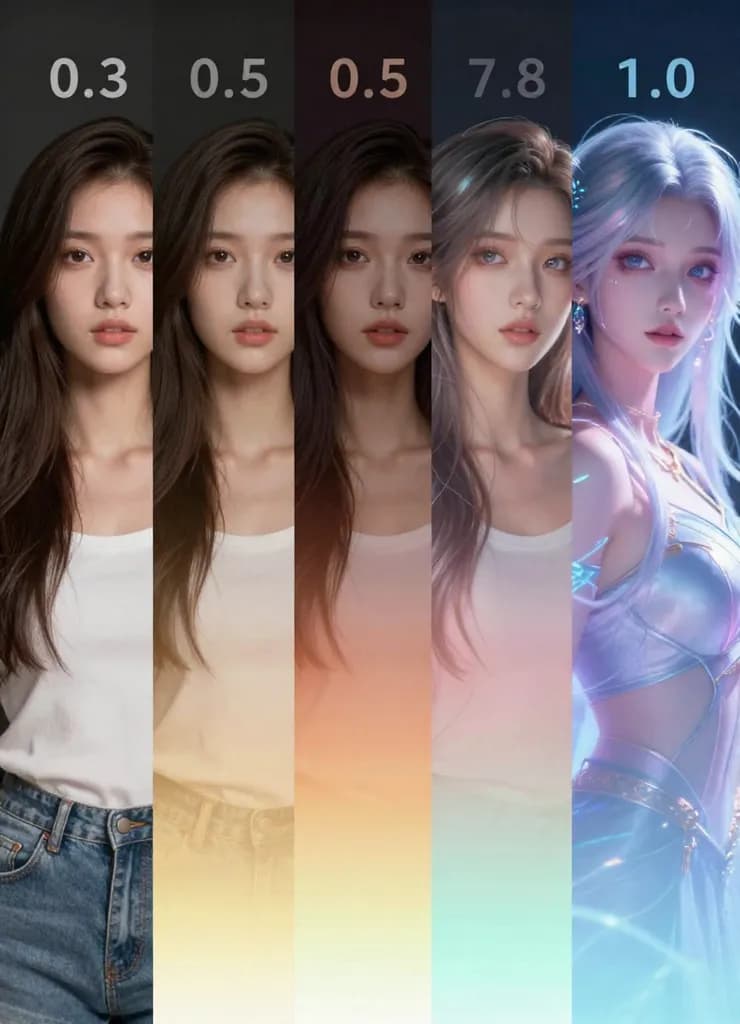
Adjustable Strength
The strength parameter (0.3 to 1.0) controls how far the output moves from the source. Low values restyle photos with a light touch; higher values let the image to image generator take bigger creative liberties.
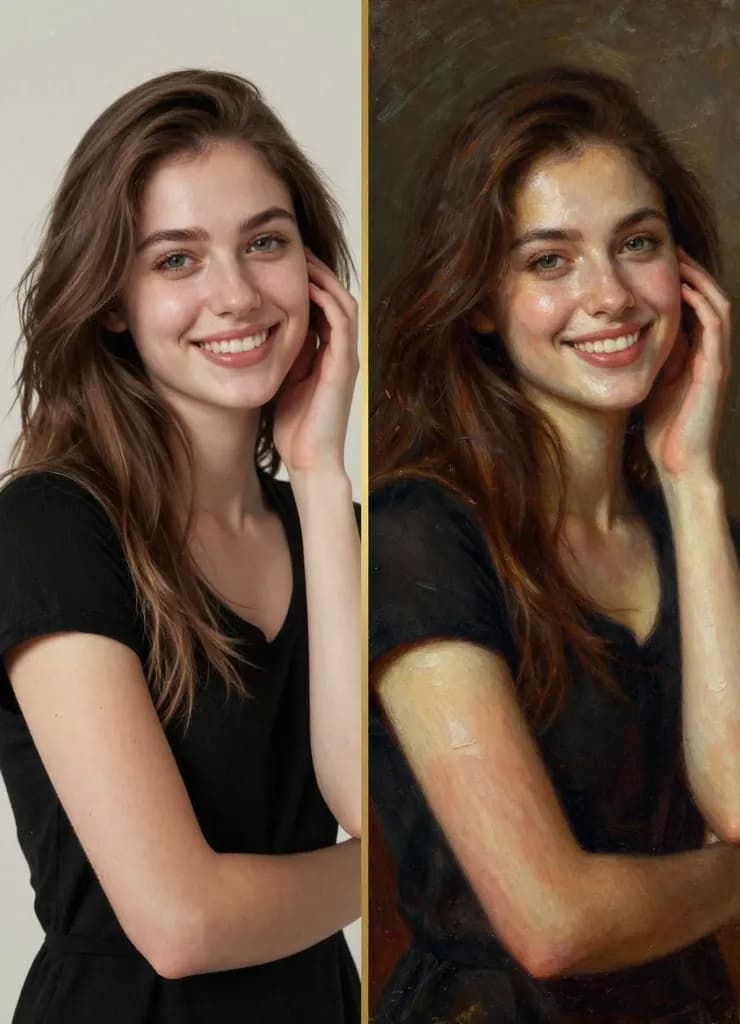
Keeps What Matters
The image to image AI works hard to keep composition, pose, and key features of the source intact, so the subject stays recognizable even after a strong restyle or redesign.
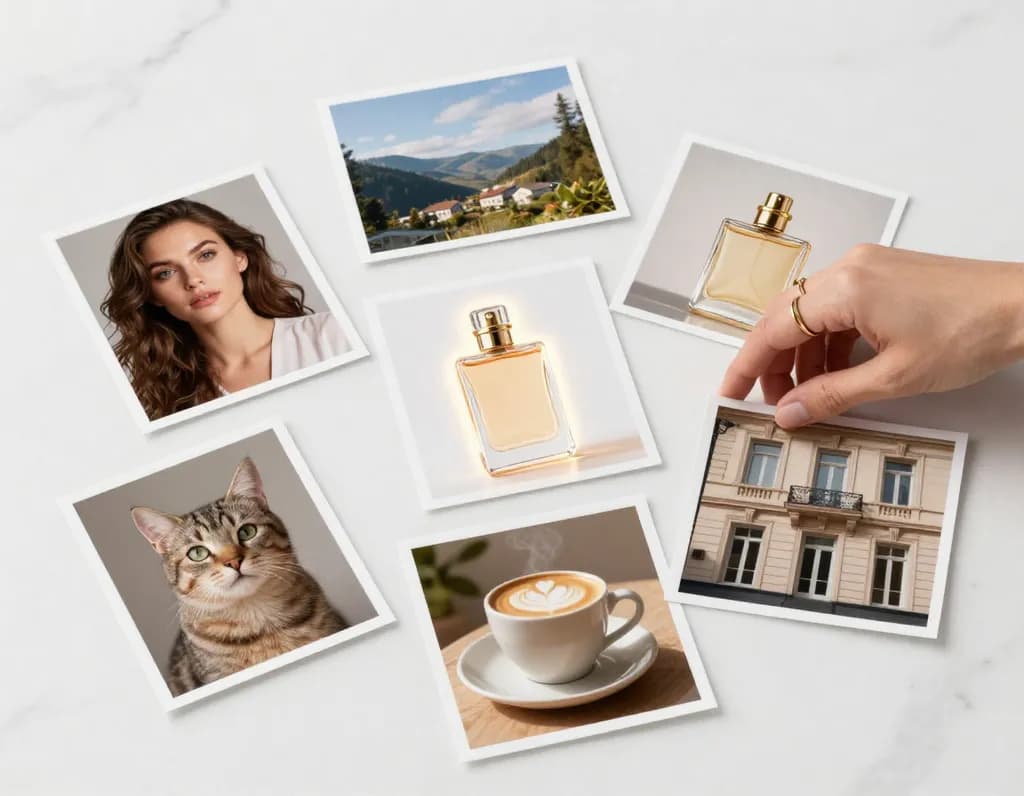
Works with Any Image
Feed it portraits, landscapes, product photos, screenshots, artwork, or previously generated AI images. The photo to photo AI adapts its transform to the content type for cleaner, on-brief output.
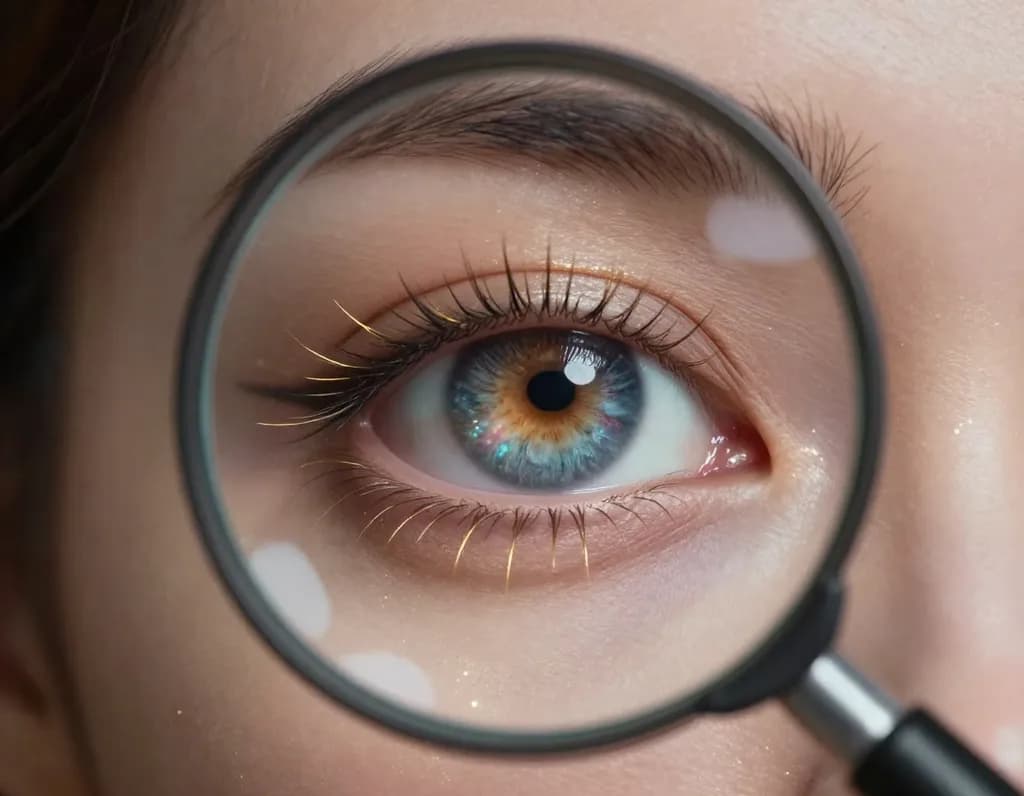
High-Resolution Output
Get restyled images with crisp detail and honest color. The image to image pipeline preserves texture and lighting through the transform, so outputs look good at full resolution.
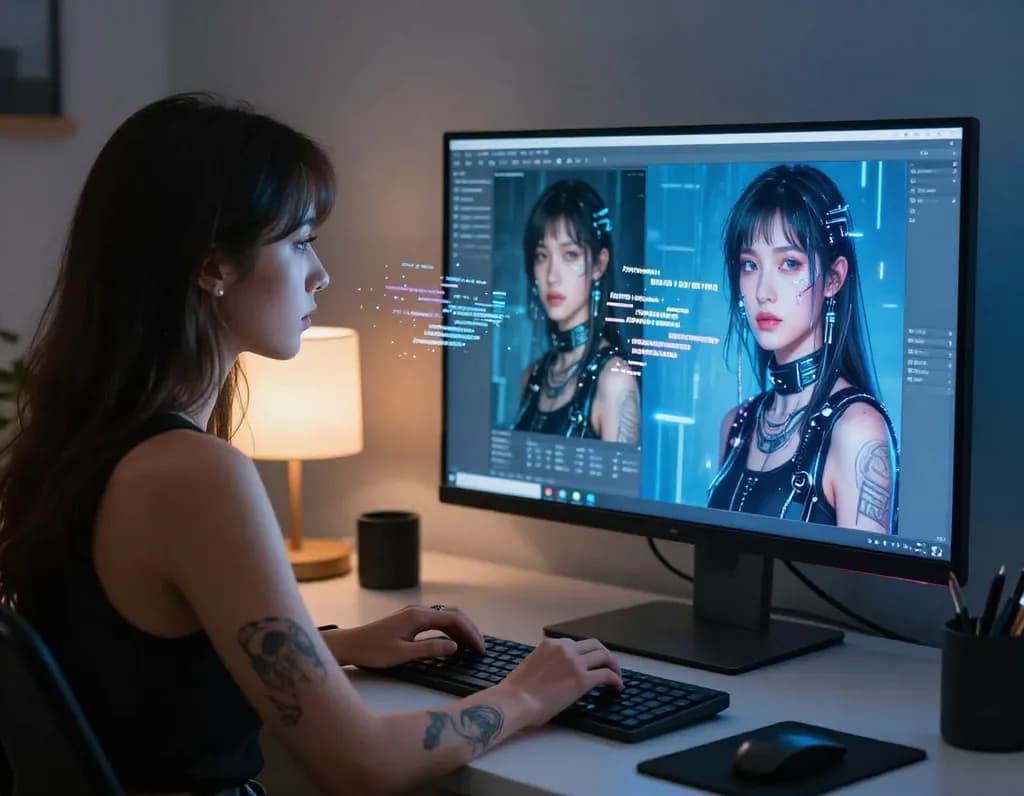
Prompt-Driven Control
Guide the image to image run with long, specific prompts. Describe mood, color palette, art reference, and artistic effects, and the AI image editor follows your direction across every run.
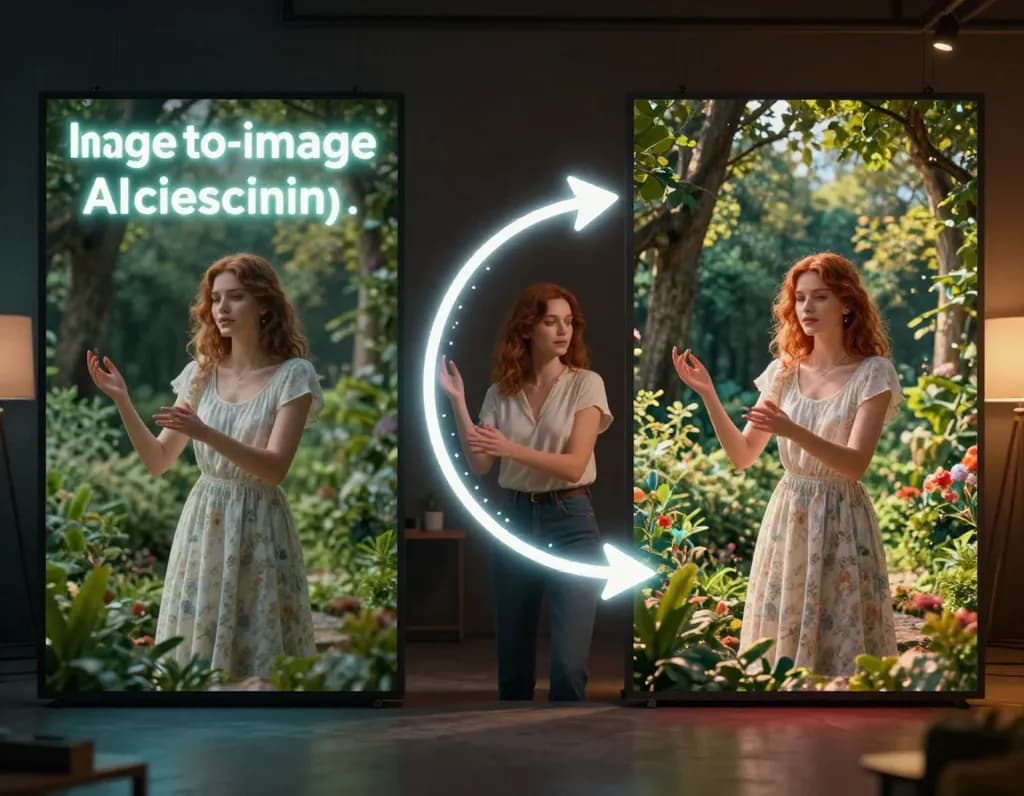
Pairs with Text to Image
Generate a base with text to image, then refine AI images through image to image. Apply style transfers, color changes, or creative restyles on top for a clean loop of iterative design work.
Frequently Asked Questions About AI Image to Image
Have another question? Contact the team at [email protected]. We try to reply within one business day.
Ready to Restyle Photos with Image to Image?
GPT Image 2 image to image is your AI image editor for restyling, remixing, and redesigning photos with a prompt. Upload, describe the transform, and download a fresh AI image.